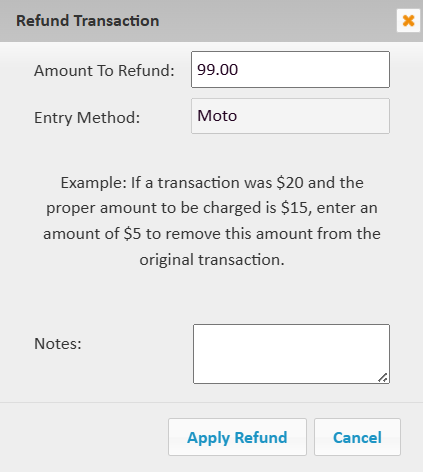
How to Process a Refund
Estimated Reading Time: 1 MinutesNote: If the transaction was done less than 24 hours ago, you can only void the full original transaction amount. Which involves doing all of the same steps below, however, in the very last step, you will only be able to apply the refund to the full transaction amount.
-
Add the client to the sales register.
-
Add the items you are refunding, then change the quantity to a negative.

-
Select 'Complete Invoice'.
-
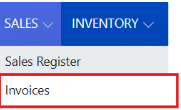
Go to the 'sales' menu, then 'invoices' and select the edit pencil beside the invoice you just created.
-
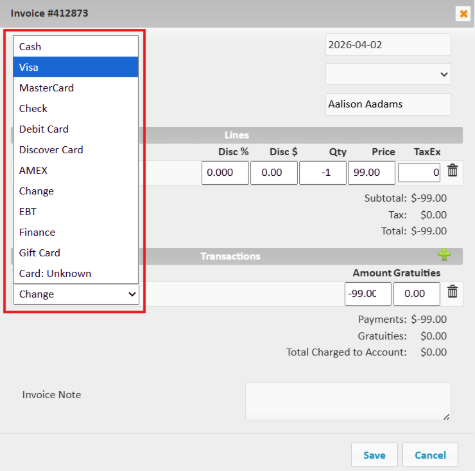
Change the 'transaction' 'type' to the original payment method type and 'save'.
-
Lastly, go to 'sales' menu, then 'card transaction & refunds', and find the original transaction in the table by either searching the client's name or the last 4 digits of the card.
-
Select the card icon
 to the very far right of the original transaction line, then enter the amount to refund and select 'apply refund'.