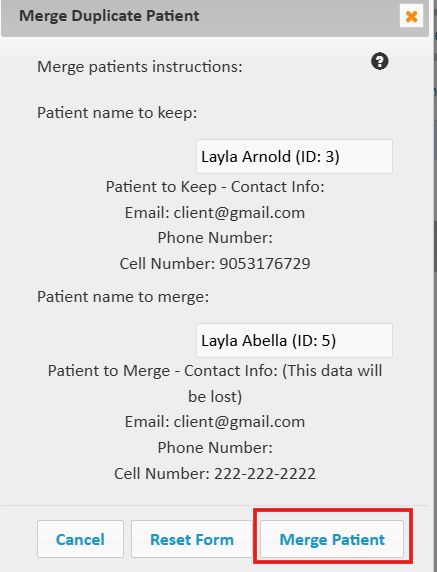
How to Merge Duplicate Customer Accounts
Estimated Reading Time: 1 Minutes-
Select 'merge duplicate customer' (or patient/client) button at the top of the customer table.
-
In the first field start typing the name of the customer account you want to keep (name, email, phone numbers).
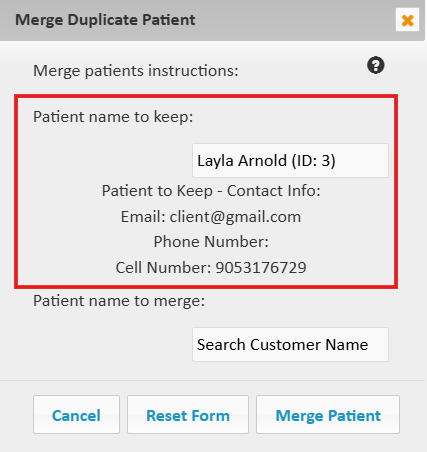
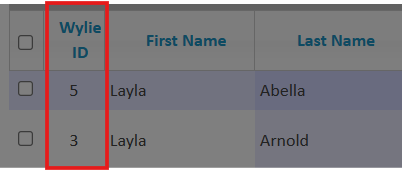
It is often helpful to note the ID's of the customers you want to merge, especially when the customers have the same names.
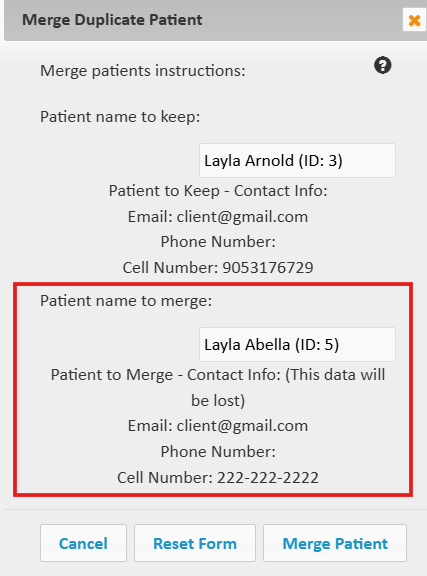
3. In the next field type the name of the customer you want to merge. You will lose the name, email, and phone number on this account, while the rest of the information will be merged.
4. Lately, select 'Merge Customer' (or patient/Client)